Thanks to the TTL triggers, you can synchronize your Elveflow® system with any other instrument in your laboratory (from microscopes to any electrical instrument, and more).

Intuitive interface
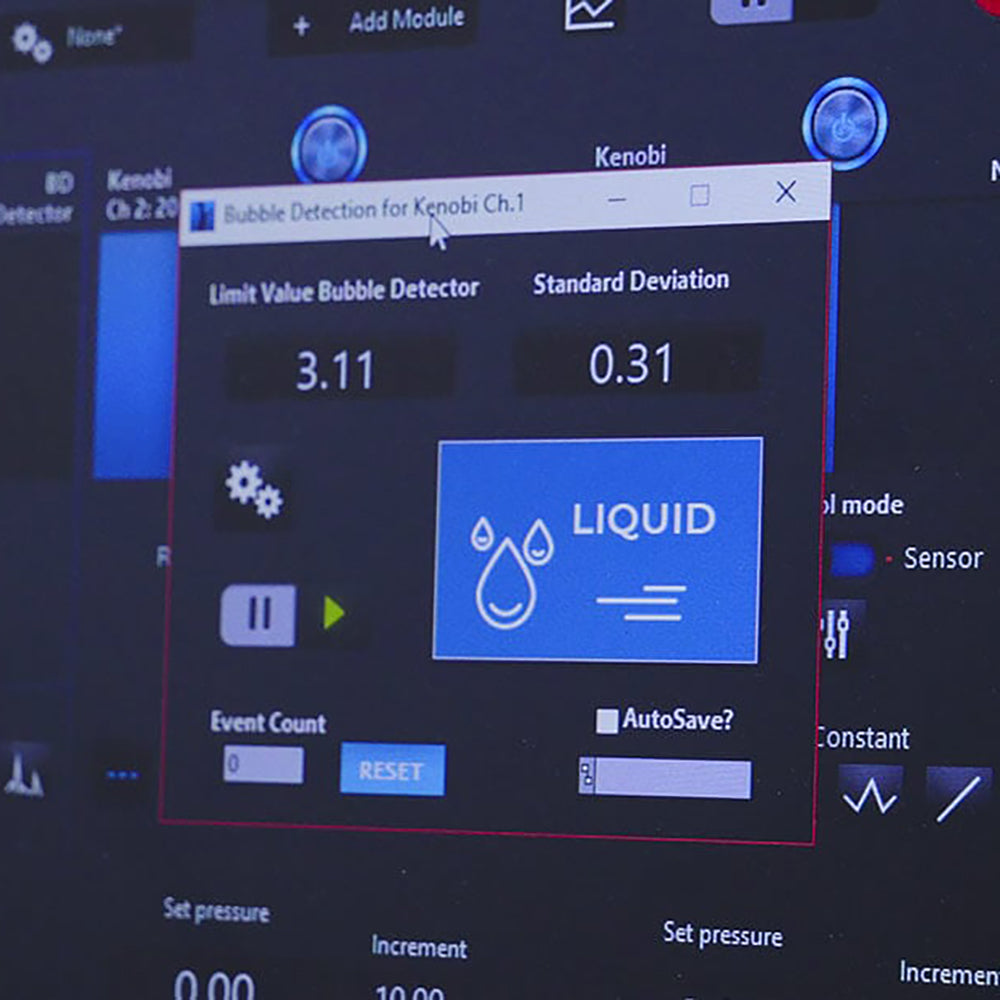
The intuitive interface of the ESI microfluidic software facilitates navigation from one instrument to another. Start from simple setups and add instruments (valves, sensors, etc) through the same interface. Even the most complicated setups can be controlled in just a few clicks!
A Play/Pause button allows changing pressure and flow channels, maintaining the current state of the controller while simultaneously adapting the system to the new settings.

Workflow automation

Built-in scheduler
The scheduler is a user-friendly tool that automates complex steps of your experiments and protocols.
Gain precious experimental time by:
- creating or editing instrument configurations (pressure or flow rate profiles, valves positions, etc)
- “dragging and dropping” each step to sequentially arrange them
- controlling steps timing
- building a complex sequence with loops (for) and conditions (if)
- integrating your setup to a wider experimental environment using trigger signals (IN and/or OUT)
- saving important data
- using the play/pause button to create a file and record the progress of your experiment
- saving and loading entire experiments.

Advanced Software Development Kit (SDK) control
Our package allows developers to integrate Elveflow systems into their own control programs. Those libraries enable fast & easy integration of our instruments to your lab project.
We provide the following libraries free of charge (with documentation and example codes):
C++ library, Python library, MATLAB library, LabVIEW library
Discover the ESI in video
Thanks to this video, you will learn how to use pressure-driven flow control with the Elveflow Software!
By coupling our pressure controller with one of our flow sensors, you can perform ultra precise and responsive pressure-driven flow control.
You can request a flow rate value in the Elveflow Software and the pressure controller will automatically adjust pressure to reach the requested value thanks to a customizable PID Feedback loop.